
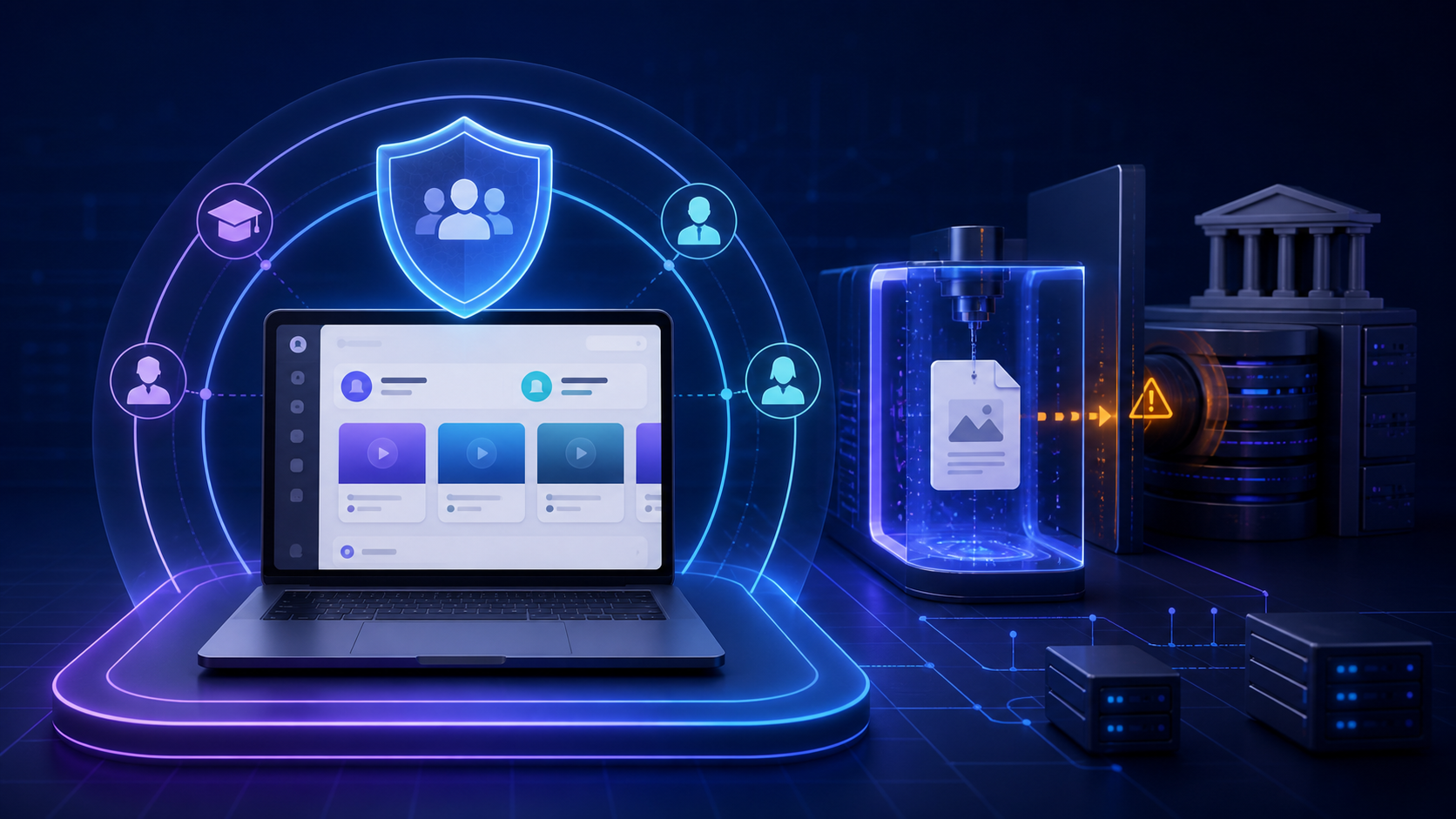
WordPress issued an urgent security release on 12 August 2026. For ordinary publishing sites, it is another reminder to update quickly. For learning-management systems, the details expose a deeper architectural problem: a role that is relatively trusted in a blog can carry far more risk when it is assigned to instructors, tutors and other external contributors.
WordPress 7.0.4 fixes CVE-2026-65640, a high-severity remote-code-execution vulnerability with a CVSS score of 8.8. Under the documented conditions, an authenticated user with the upload_files capability—normally an Author or higher—could upload a malicious PostScript file. On servers using Imagick and Ghostscript, processing that file could allow arbitrary code to run on the server.
The prerequisites matter. This was not a vulnerability that any anonymous visitor could exploit on every WordPress installation. The server needed to use Imagick and Ghostscript, and the attacker needed an account permitted to upload files. But those conditions are particularly relevant to an LMS, where instructors routinely upload course images, PDFs, assignments, certificates, presentations and supporting resources. Sometimes students are given upload access for submitting assignemtns as well.
The vulnerable release range spans nearly a decade
Saying that the issue existed for more than five years is conservative. The official WordPress advisory lists affected branches from WordPress 4.7 through WordPress 7.0.3. WordPress 4.7 was released on 6 December 2016, so the affected release range reaches back almost ten years.
That does not mean researchers had a working exploit in 2016, nor does it prove that every installation was exploitable for that entire period. It means the vulnerable processing path existed across WordPress branches spanning nearly a decade before the 2026 security release corrected it. The fix was consequently backported to maintained branches as far back as WordPress 4.7.
This is a difficult reality of mature software. Old behavior remains because millions of websites, plugins and themes depend on compatibility. A platform can improve continuously while still carrying assumptions that were reasonable for its original use but dangerous in a different operational context.
WordPress began as a blogging platform
WordPress is a content-management system today, but it began as a blogging platform. That history shaped its default roles.
On a traditional blog, an Author is normally a member of a small, known editorial team. Authors are trusted to create posts and upload media because publishing content is their primary job. The relationship is usually direct: the site owner deliberately invites a writer and expects that person to place files into the shared media library.
An LMS or MOOC operates differently. It may have dozens, hundreds or even thousands of instructors. Some are employees, but others may be contractors, guest trainers, marketplace sellers, subject-matter experts or temporary collaborators. They need enough access to build and maintain courses, yet they should not automatically inherit the same assumptions of trust as an editor on a small publication.
This is not an accusation against instructors. The overwhelming majority are legitimate professionals. It is simply sound security engineering to plan for compromised accounts, careless uploads, excessive privileges and insider risk. A single disgruntled instructor—or an attacker who steals an instructor’s credentials—should not be able to turn a course-file upload into control of the application server.
Open source gives defenders and attackers the same visibility
WordPress being open source is one of its greatest strengths. Anyone can inspect the code, report defects, propose fixes and verify what a security patch changes. That transparency supports a global security community and prevents users from depending on a vendor’s claims alone.
The same transparency is also useful to attackers. Once a patch is public, a malicious researcher can compare the old and new code, identify the vulnerable path and automate tests against installations that have not updated. Modern AI tools make this patch-diffing and code analysis faster and cheaper.
Open source is therefore not inherently less secure. The practical risk comes from the combination of public code, enormous deployment scale, legacy compatibility, predictable endpoints and uneven patching. Defenders can study the code; attackers can do the same. The side that acts faster gains the advantage.
Transparency improves security only when it is matched by rapid patching, least-privilege access and disciplined operational controls.
Why an LMS needs purpose-built user management
A learning platform should not simply rename WordPress’s Author role to “Instructor” and assume the security model now fits education. Instructor permissions should be designed around learning workflows.
A proper LMS user-management model should include:
- Least-privilege roles: instructors receive only the capabilities needed for their courses, not broad publishing or media permissions inherited from a blog.
- Course-level isolation: an instructor should manage assigned courses and students without accessing unrelated courses, users or files.
- Controlled uploads: file types, file sizes and processing paths should be restricted. High-risk document conversion should be isolated from the main application.
- Approval workflows: new or external instructors can submit content for review before it reaches production.
- Strong authentication: multi-factor authentication, session controls and rapid account revocation reduce the value of stolen credentials.
- Auditability: administrators need reliable records of uploads, permission changes, course edits and other sensitive actions.
- Separation of duties: creating learning content should not grant authority over plugins, themes, configuration, users or the underlying server.
These controls are not a substitute for patching. WPLMS administrators should update WordPress core immediately to 7.0.4 or a corresponding patched release, confirm that background updates succeeded, review Author-level and custom-role accounts, and audit who currently has the upload_files capability.
The lesson is larger than one vulnerability
wplm
CVE-2026-65640 will be patched and eventually disappear from daily attention. The architectural lesson should remain.
Software designed first for publishing assumes a relationship between authors, media and the site owner. An LMS introduces a different trust boundary. Instructors need powerful tools, but their permissions must be scoped to teaching rather than inherited wholesale from blogging.
WordPress can power an LMS, but doing so responsibly requires more than installing an LMS plugin. It requires deliberate role design, controlled file handling, monitoring, prompt updates and a security model built for educational organizations.
Update WordPress now. Then review the more important question: if one instructor account is compromised tomorrow, how much of your learning platform can it reach?
WPLMS is designed to reduce direct exposure to the WordPress administration layer.
Instructors and students use a dedicated browser-based learning interface and do not need to know that WordPress powers the platform underneath. Authentication, dashboards and learning workflows are presented through the WPLMS experience instead of the conventional wp-admin interface. This separation reduces unnecessary access to WordPress administration features and helps enforce LMS-specific permissions. It is an important security layer, although it must still be combined with prompt WordPress updates, least-privilege roles, controlled uploads and account monitoring.
Sources: WordPress 7.0.4 release announcement; official WordPress security advisory GHSA-8vr3-7mxf-gx8w / CVE-2026-65640; WordPress 4.7 “Vaughan” release announcement.